Drag
A Drag is a row of steps, each on or off, as Generators describes. A note starting on a step that is on plays the note a little late, behind the beat, on top of the groove. A Rush and a Drag can be painted on one clip; a step that is on in both moves by the difference.
Settings
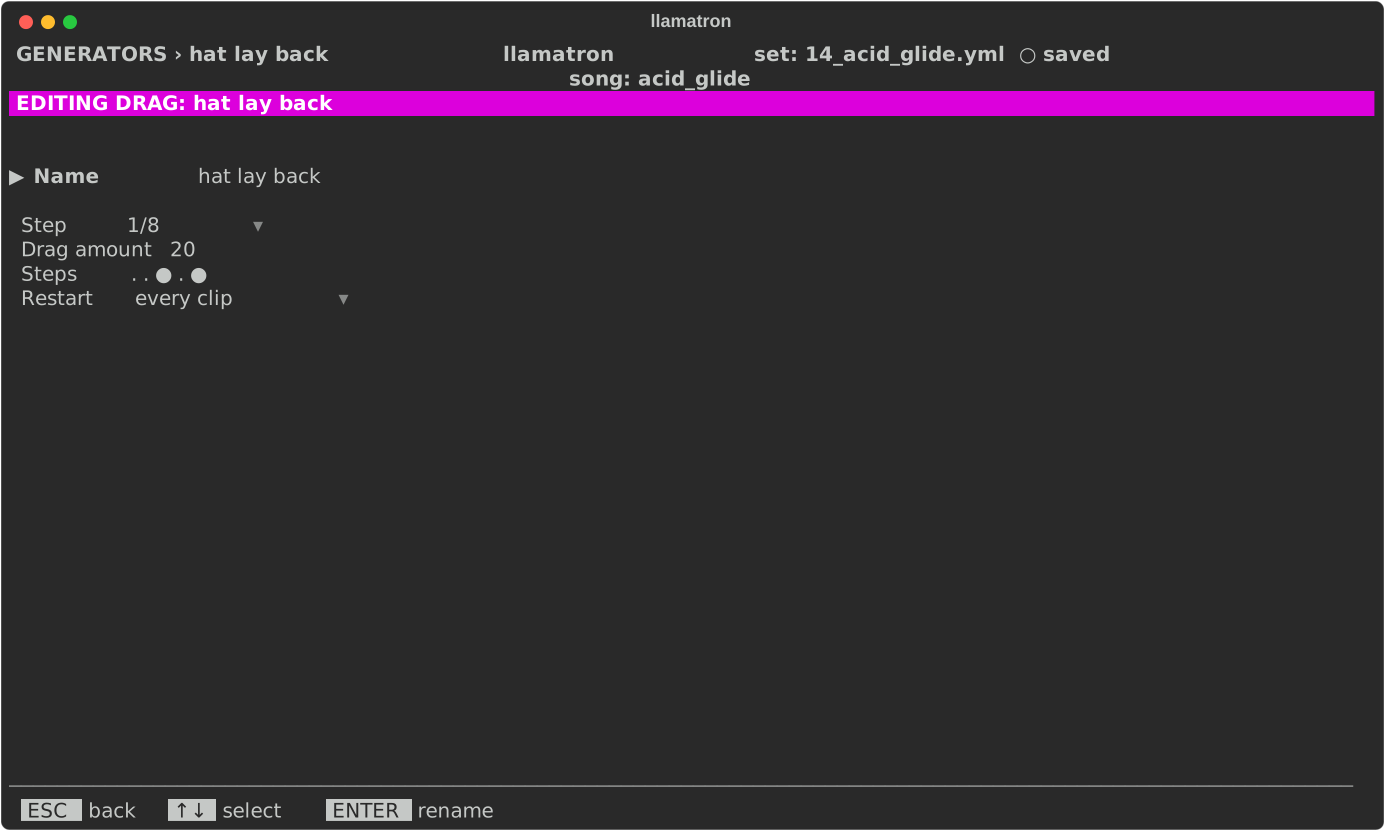
| Setting | What it does |
|---|---|
| Name | ENTER renames it, and every chain using it follows. |
| Step | How long each step of the row lasts: (pattern), the clip's pattern's step size, or a time from the list every time setting shares. |
| Amount | The Drag amount, 20% of a step by default, up to half a step. |
| Steps | The row, from 1 to 16 steps. ENTER opens it. |
| Restart | When it starts over, as Generators describes. |
Applying the Generator
Add the Drag generator to a chain, as drag: name, and give clips that chain. The drop of examples/learning/14_acid_glide.yml loosens its drums with a Rush and Drags.