Scenes
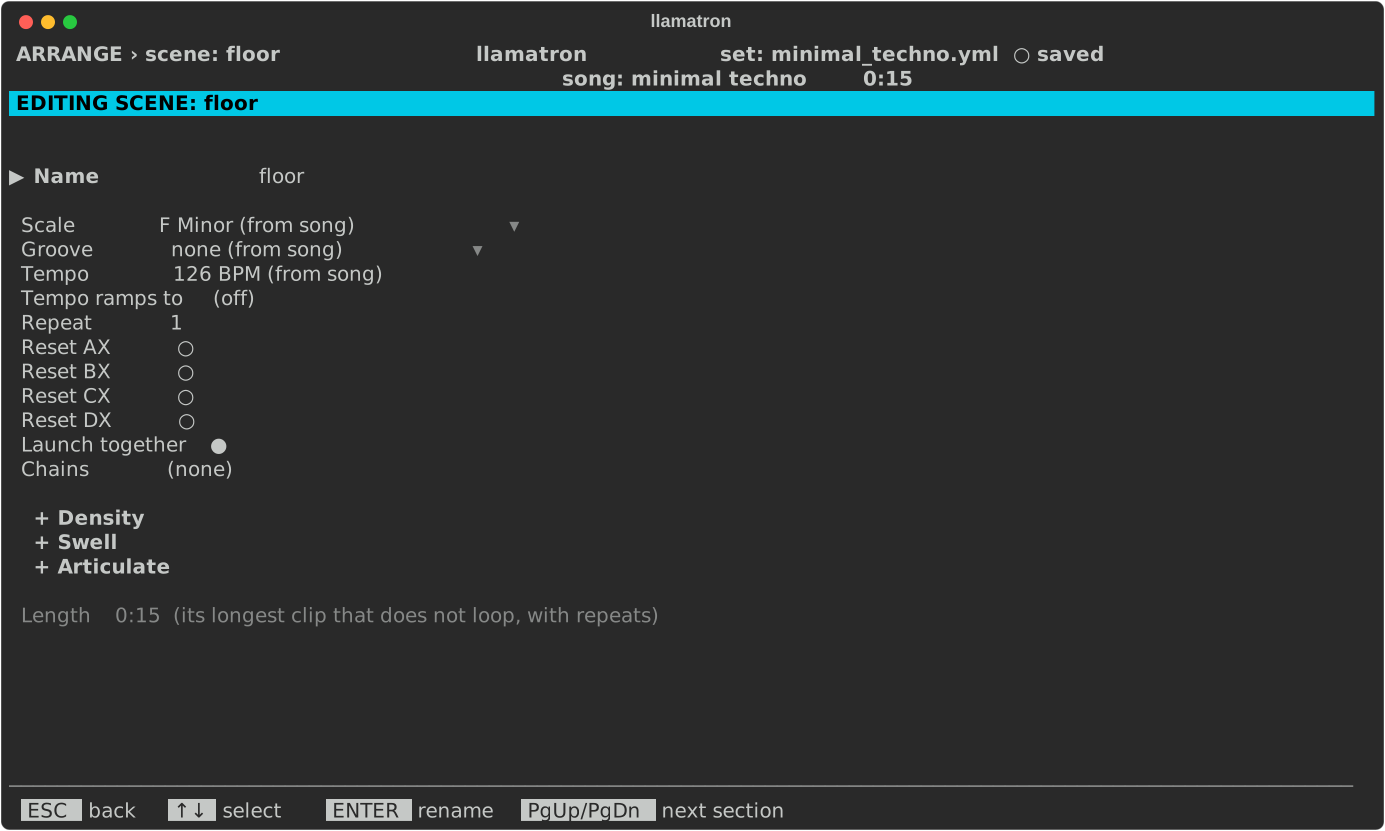
A scene is a row of Arrange: the clips that play together, with settings for the whole section. This page covers the Scene page.
Scene Length
A scene starts all of its clips together and has no length of its own: a scene lasts as long as its longest clip that doesn't loop, times the scene's repeats.
Scene Settings
On Arrange, ENTER on a scene's name opens the Scene page.
| Setting | What it does |
|---|---|
| Name | The scene's name. |
| Scale | A scale for the scene's clips in place of the song's. Bksp goes back to the song's. |
| Groove | A groove for the scene's clips in place of the song's, or off to play them straight whatever the song or a track chooses. A track's own groove still wins over the scene's, but not over the scene's off. Bksp goes back to the song's. |
| Tempo | A tempo in place of the song's. Bksp goes back to the song's. |
| Tempo ramps to | Moves the tempo from Tempo to this value across the scene's repeats. Bksp turns the ramp off. |
| Repeat | Plays the whole scene this many times, from 1 to 999. |
| Chains | The chains every clip of the scene runs, after each clip's own, edited as a clip's are. See Chains. |
| Launch together | For real-time playback only, and on by default: when a clip above sends a start to any clip of this scene, every clip of the scene starts together. When off, each clip starts only when the clip directly above it sends a start, and Arrange marks the scene with ┆ after its name. Space or ENTER toggles it. See Playing Live. |
| Reset AX to Reset DX | Sets that register back to its default as the scene starts. Space or ENTER toggles it. A scene that repeats resets only as it first starts, so a register can keep changing across the repeats. |
| + Density, + Swell, + Articulate | Sections, closed until opened, each with a Start, End, Over and Then that shape every clip of the scene across the whole scene, unless a clip sets its own shape or a generator in its chains does. See Density, Swell and Articulate. |
The page shows how long the scene lasts, and any problem, such as every clip looping. Turning on a loop that leaves a scene with no clip that ends opens a Scene loop errors dialog naming the scenes to fix, and exporting while any scene is in that state does the same.
Section Shapes
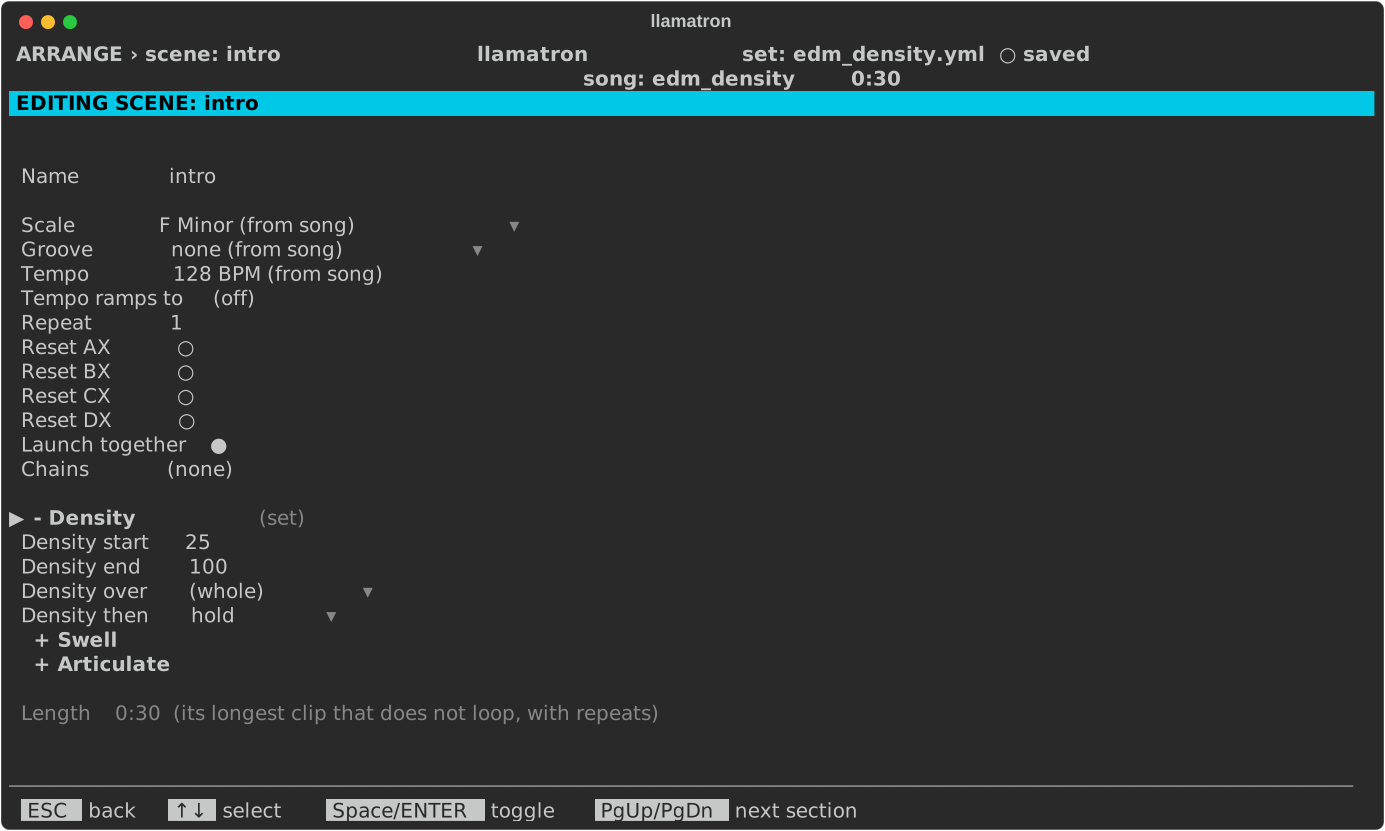
The Scene page's sections shape every clip of the scene over its length. In examples/by_genre/electronic/edm_density.yml, the intro's Density ramps from 25 to 100 across the scene, filling in to a build:
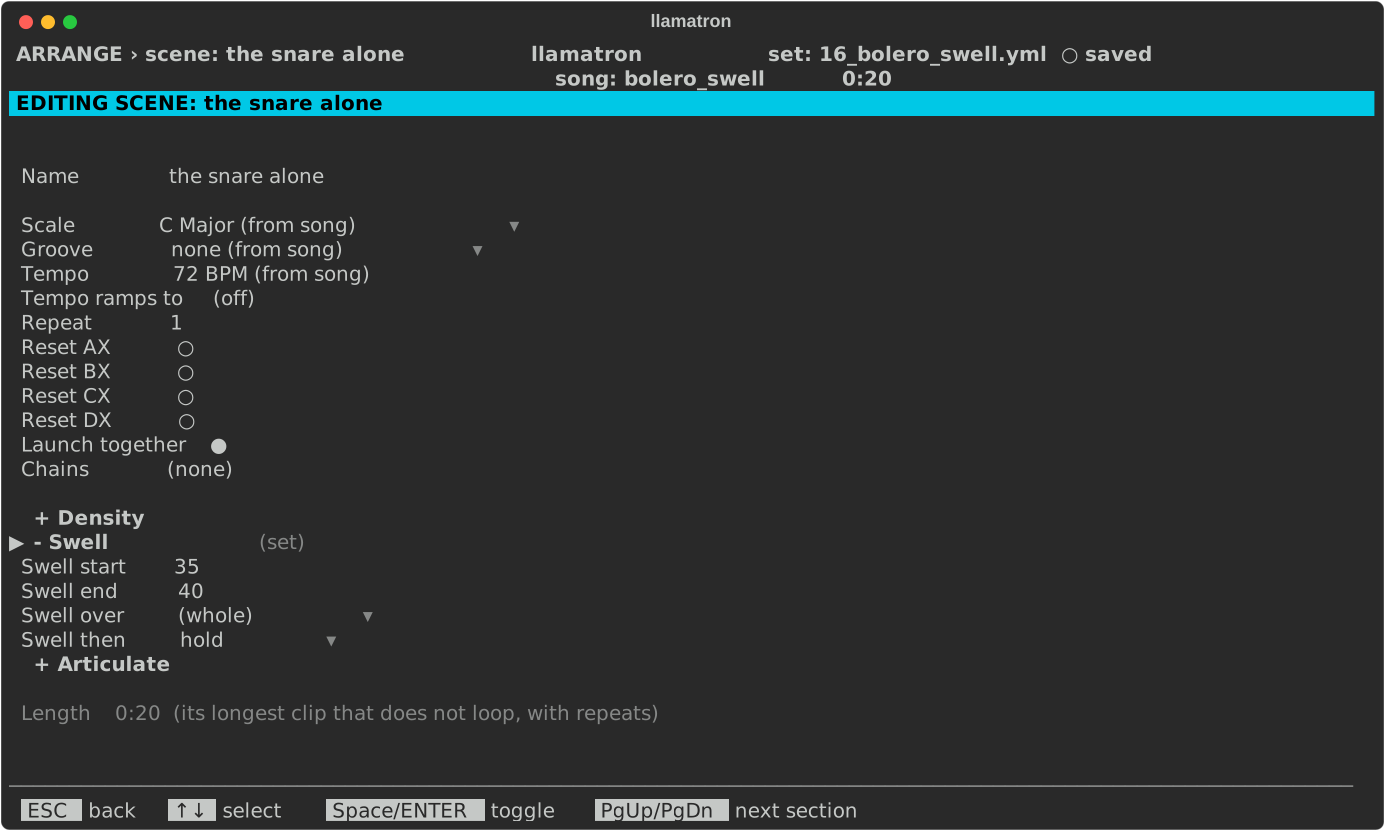
In examples/learning/16_bolero_swell.yml, each scene's Swell picks up where the one before ended, for one long crescendo: